
Apps
Playtime Clocks
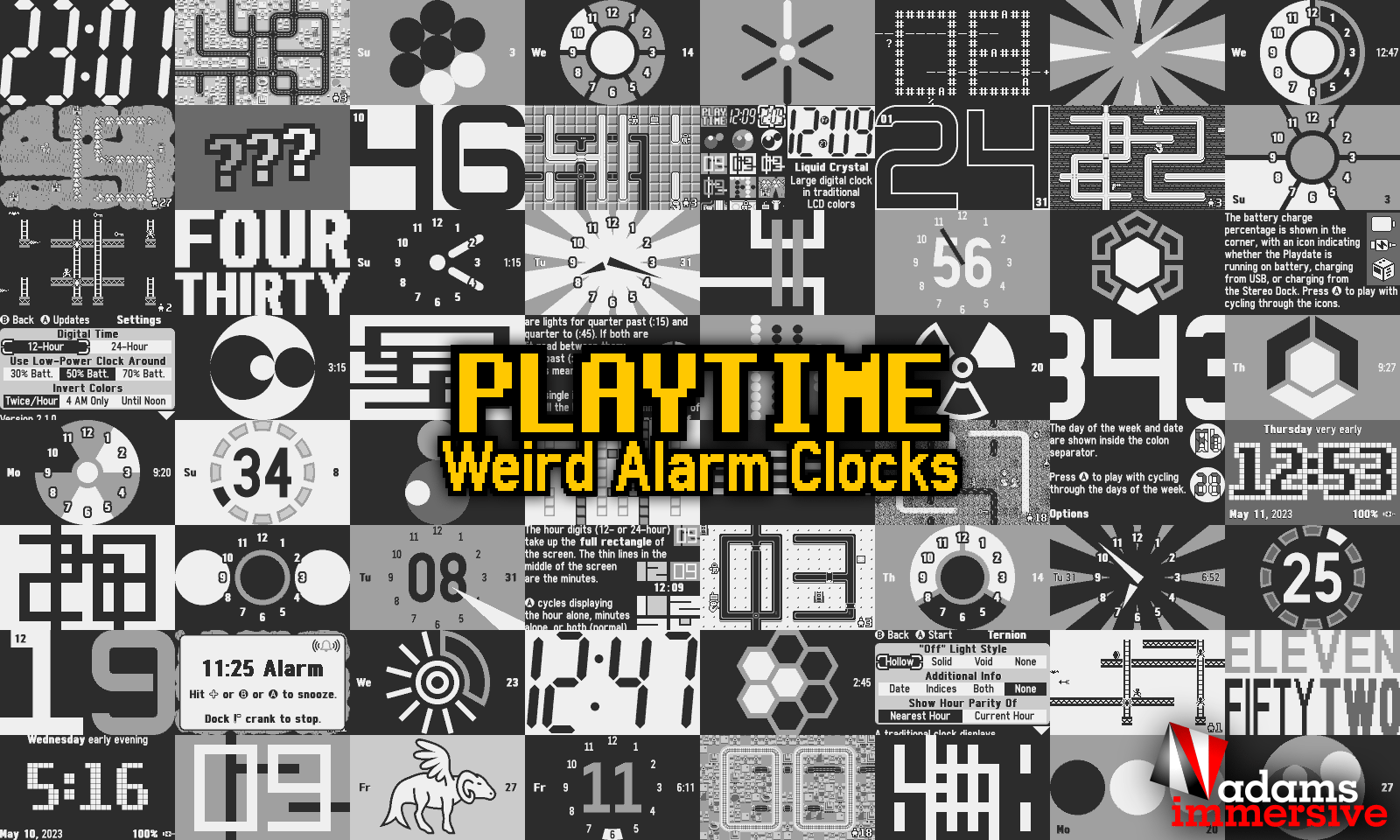
A clock collection, “screen saver,” and “fidget toy” with 50 fun clocks.
No counted CrankRank yet
Rankings appear as more ratings come in. A game charts once it has enough counted ratings.
Reviews
Ratings from accounts under 7 days old are shown and left out of the average.
Reports are read against the community guidelines.

Most-helpful review / open spot
Be the voice someone plays by.
Mark a review as helpful and it will sit here. Until then, the crank is waiting.
No member reviews yet.
Description
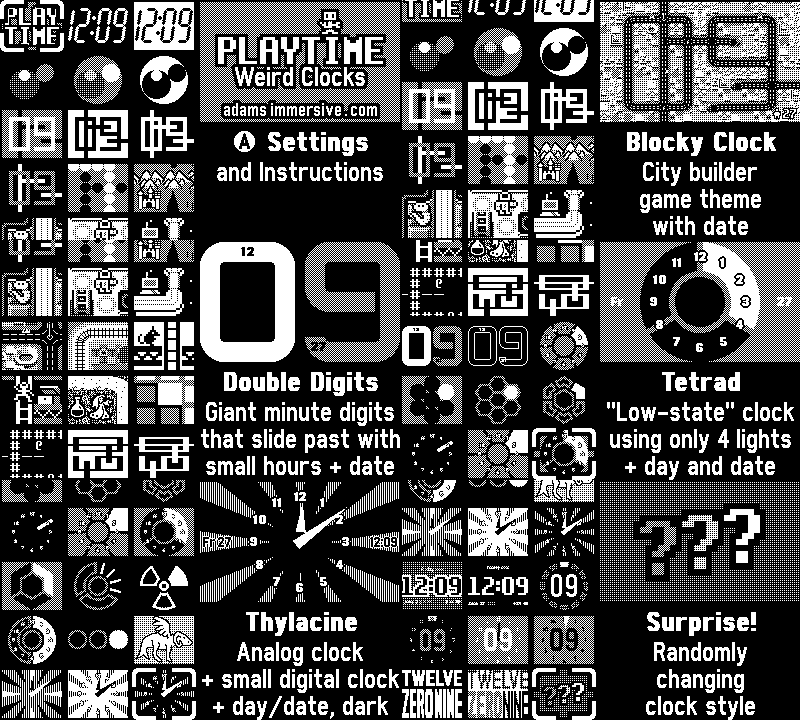
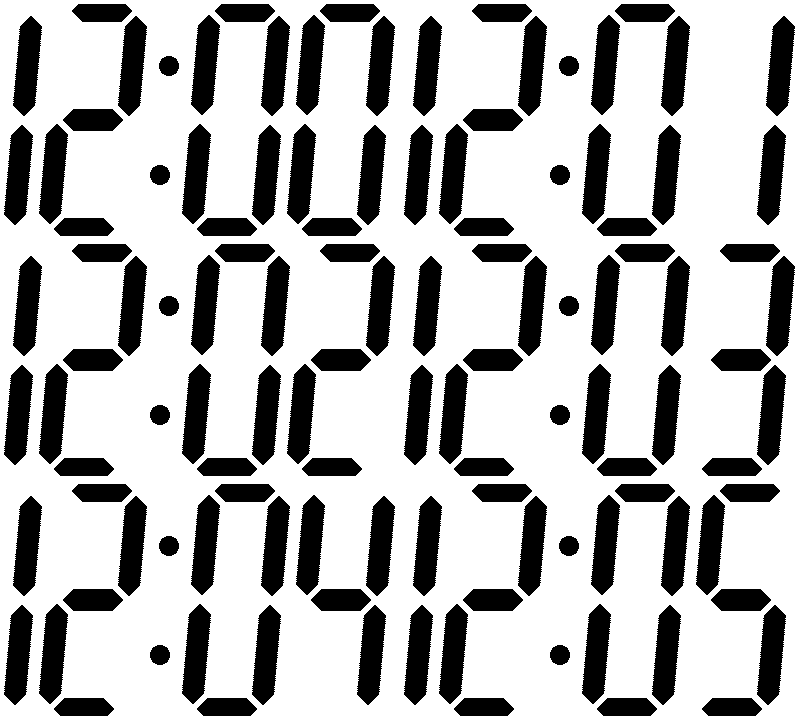
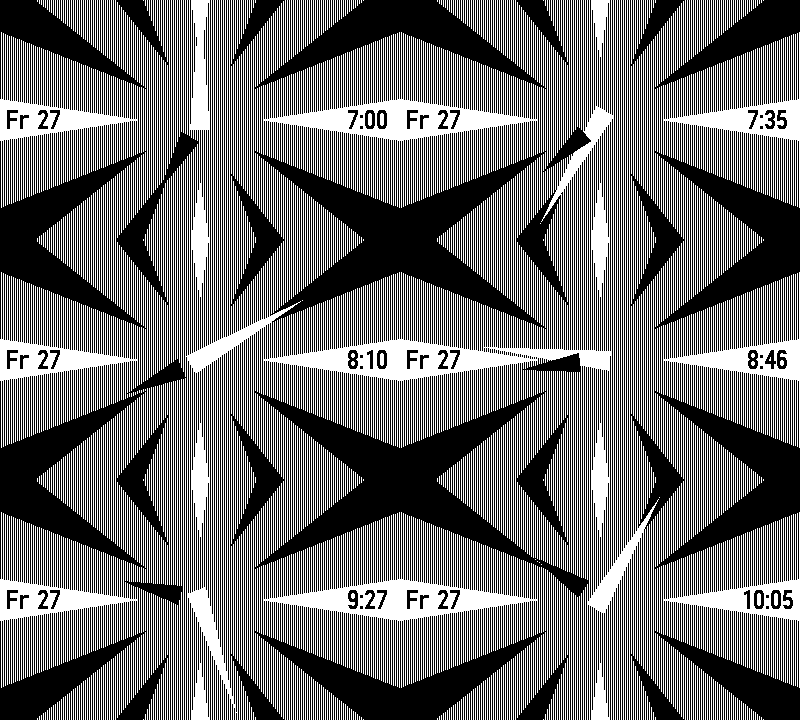
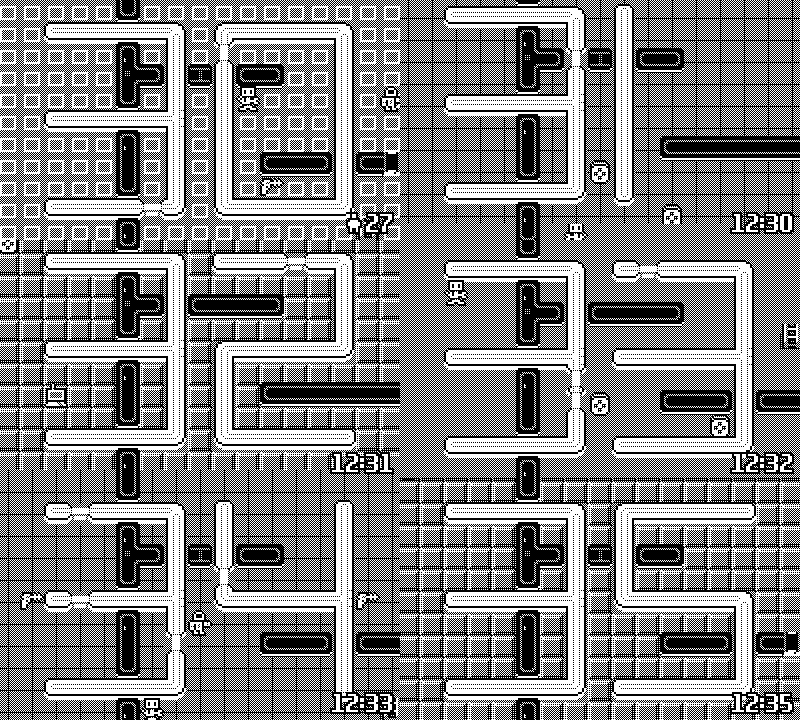
A clock collection, “screen saver,” and “fidget toy” with 50 fun clocks. Some are conventional analog or digital clocks, some resemble game screenshots, and some are more experimental or artistic. Play with the crank and buttons to change the time and see how each clock responds. Each one has 12- and 24-hour time support, 4 snooze modes, various customization options, musical interface sounds, and detailed built-in documentation with illustrations. Launch Playtime like any other app. It stays running, preventing system lock (sleep) unless the battery drops to a level you choose. Then it reverts to the Playdate's low-power clock, so you always have juice left for games! Tip: Playdate checks for season games and other downloads while locked. Don’t want to lock? No problem: you can also get to your downloads in Edit Folders on your home screen. You may still want to lock the screen occasionally to allow updating the time from the network.
- Crank: Optional
- Tilt: Not used
- Microphone: Not used
Credits
© 2022–2023 Morgan Adams. Use of Playtime: Weird Alarm Clocks is at your own risk. This software is provided “as is,” without guarantees or warranties express or implied. This software is not intended for air traffic controllers or anesthesiologists.
Accessibility
D-pad and buttons are required. Crank is optional. In-app documentation uses large, bold fonts. Some clocks display the time using very large indicators that may be helpful with reduced vision.
Screenshots

Community
A forum for this game. Talk it through, ask for help, request a feature, or add a wish.
Reports are read against the community guidelines.
Discussion
Nothing here yet.
Questions
Nothing here yet.
Hints & help
Nothing here yet.
Feature requests
Nothing here yet.
Wish list
Nothing here yet.
Update notes
Nothing here yet.
Watch before you crank
Embedded here, grouped by what you want to see. Press play to load YouTube.
No videos of that kind.
Elsewhere in the community
Independent write-ups / not member ratings
No written reviews yet.
Age note: These clocks are appropriate for everyone.
AI: This game's developer created it without the use of generative AI.